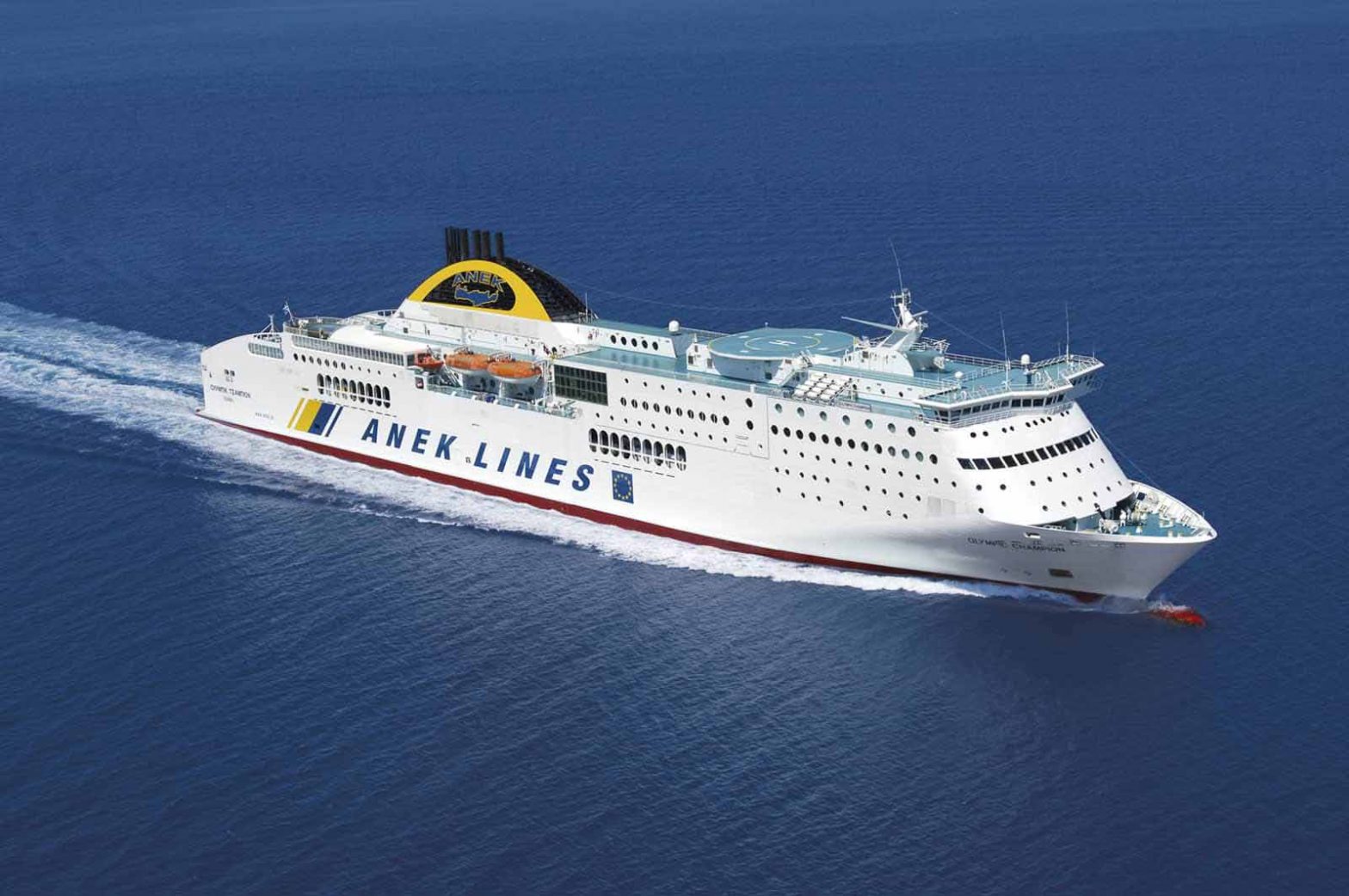
To complete the web check-in for ANEK Lines, please follow the steps below. Keep in mind that check-in is available up until the ferry‘s departure. Also, it’s important to note that check-in can be completed multiple times if needed.
Step 1
Open the confirmation email you have received from Ferryscanner and click on the online Check-in button.

Step 2
You will then, be redirected to this check-in page on the ANEK Lines website.

Step 3
Enter both the Reservation Number and the Access code (from your confirmation email) and then click the yellow button that says Web Check-in.

Step 4
You’ll notice here that either a phone number or email is required – not both. Just make sure that the prefix of your phone number is correct (for example, it’s +30 in Greece). Alternatively, if you want the e-tickets to be sent to you via email, select “Email” at the “Get your e-tickets via” field.
Finally, click the red button that says Get Your E-Tickets.
